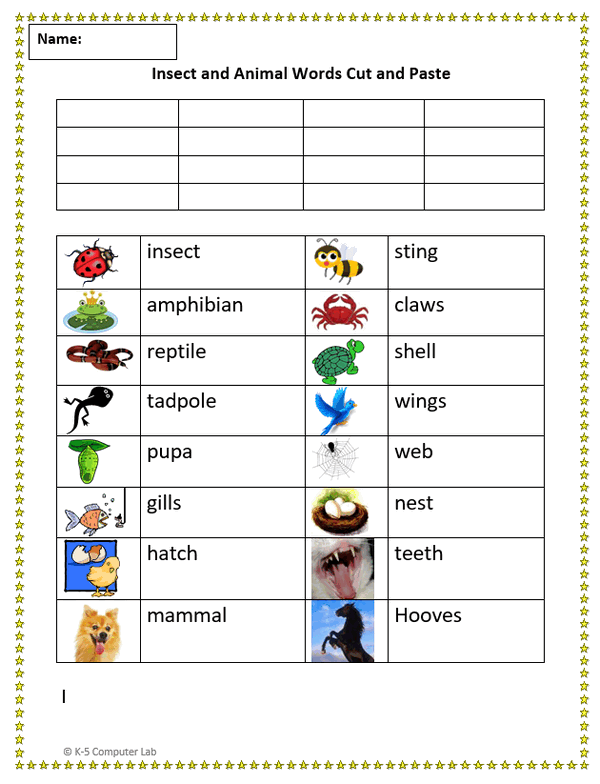
Cut and Paste - Animal and Insect Words
Assignment: Students practice how to cut and paste using a word processor. Students use cut and paste to place animal and insect words next to the correct pictures.
Students use the "undo" button to fix mistakes. Students can use the mouse to "right click cut" and "right click paste", or use keyboard shortcuts "Ctrl-X" (cut) and "Ctrl-V" (paste). Students may need to use "undo" or "Ctrl-Z" to fix mistakes.
Download: cut-and-paste-animal-and insect-words.docx
Cut and Paste Animals and Insects
These exercises help students master the essential skill of being able to accurately place the cursor next to the beginning letter of a word, click and hold the left button, and then drag to select the text to be cut. Students must then be able to right click the selected text and then click in the context menu to cut the text. After cutting the text, students will click in the text box next to the picture that matches the text and then right click and paste the text.
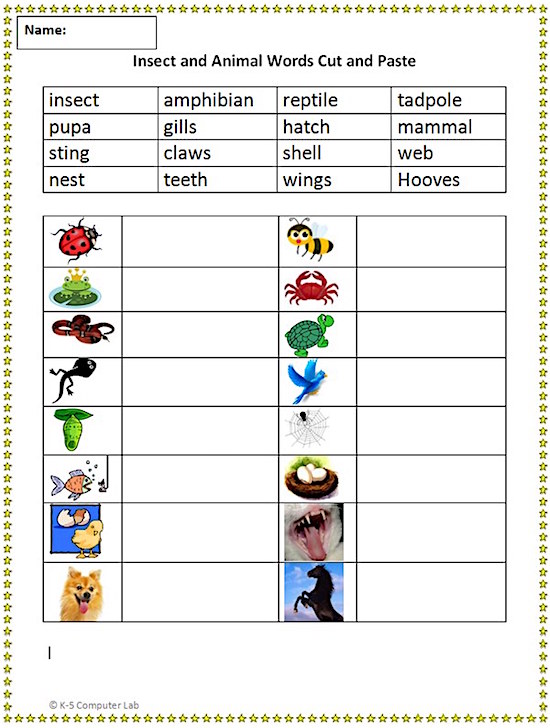
Cut and Paste - Finished Example
This an example of how the cut and paste activity sheet will look when completed.