Copy and Paste - Lady Bug Math
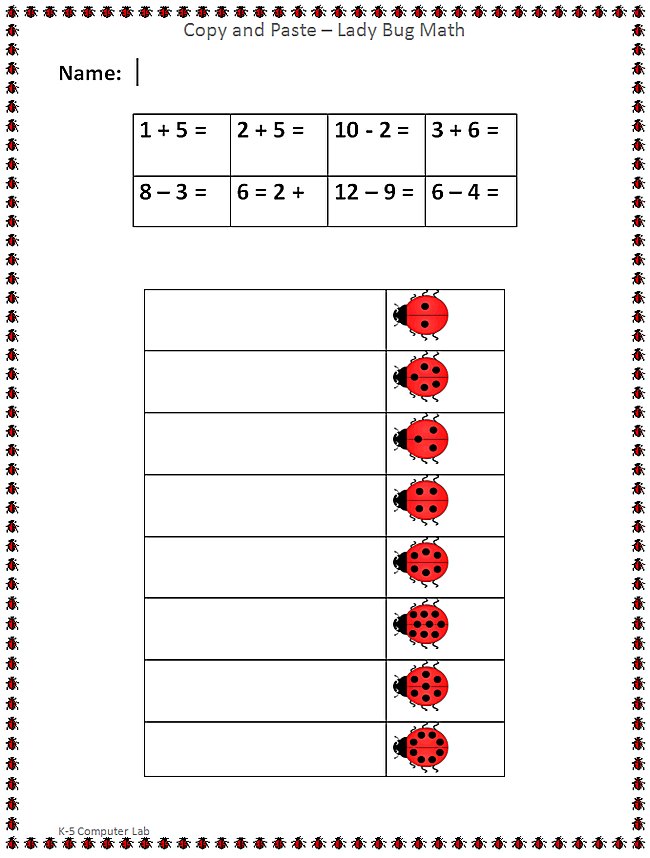
Assignment: Students copy and paste the lady bugs with the correct number of dots to answer the math problems. Students open the Lady Bug copy and paste template and use "right click copy" and "right click paste" to match the correct lady bug to the math problems. Students may also use the keyboard shortcuts "Ctrl-C" (copy) and "Ctrl-V" (paste). Students may need to use "undo" or "Ctrl-Z" to fix mistakes.
Download: copy-and-paste-PICTURES-lady-bug-math-student-activity-sheet
Copy and Paste Pictures - Lady Bug Math
Students solve the math problems by copying and pasting the ladybug pictures.
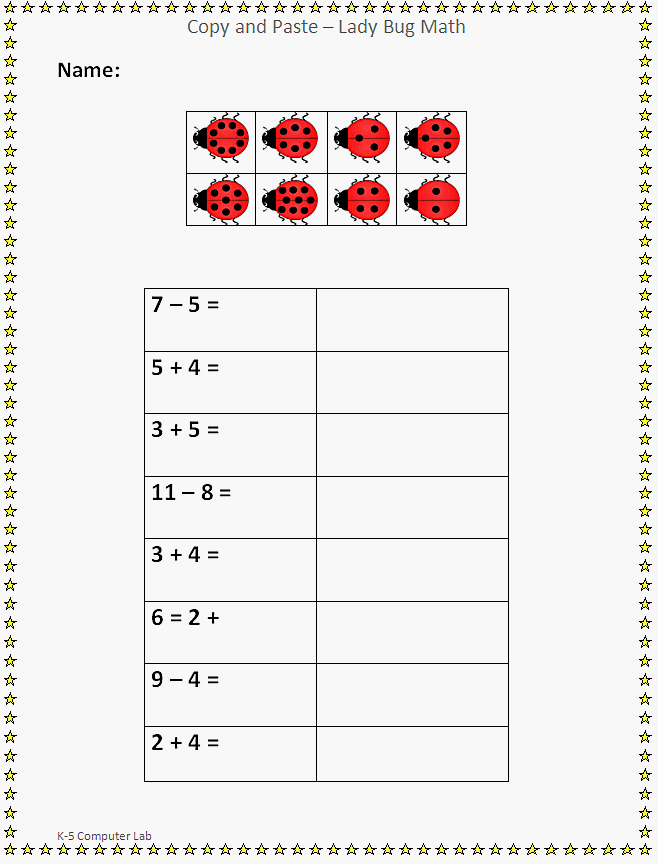
Copy and Paste - Finished Example
Download: copy-and-paste-TEXT-lady-bug-math-student-activity-sheet.docx
Copy and Paste TEXT - Lady Bug Math
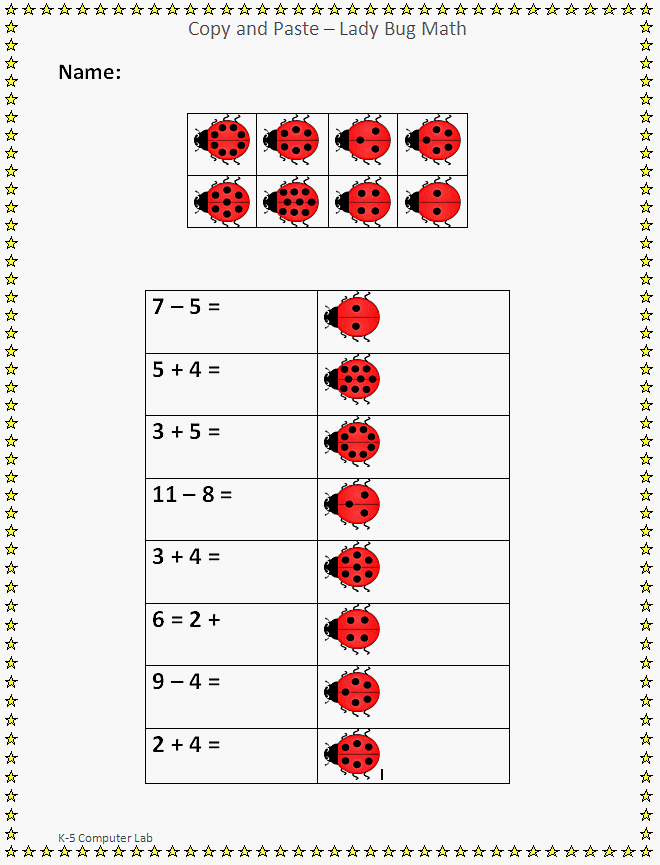
Students solve the math problems by copying and pasting the ladybug math text. This is more advanced than copying and pasting pictures. It takes practice and skill to master selecting the text, copying it, then pasting it in a new location.