Energy - PowerPoint Activity
Assignment: Students research on the internet to find information about energy, sources of energy, and energy conservation. Students use images from the internet related to energy for their slides. Students use their research information and images to create an informative and interesting 3 slide PowerPoint / Google Slides / Keynote presentation.
Download: energy-powerpoint-student-handout.docx
Conduct short research projects that build knowledge about a topic. CCSS.ELA-LITERACY.W.3.7 Introduce a topic and group related information together; include illustrations when useful to aiding comprehension. CCSS.ELA-LITERACY.W.3.2.A
Download: rubric-for-slide-presentations.pdf
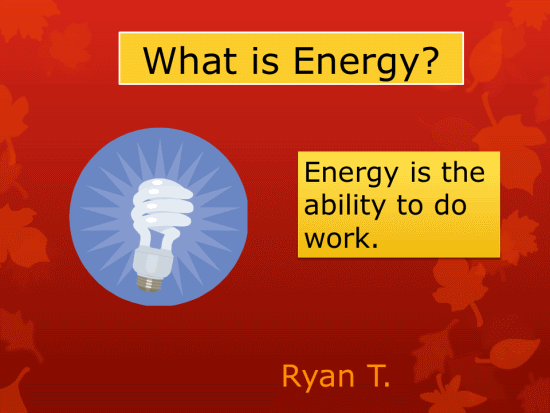
Title Slide - What is Energy?
Students add a title "What is Energy?". Students add one or more related images or clipart graphics. Students add a definition of energy. Students add their name.
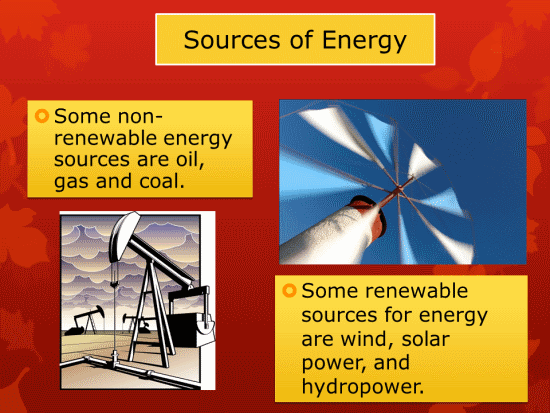
Slide 2 - Sources of Energy
Students add a title "Sources of Energy". Students add 3 or more examples of some non-renewable energy sources. Students add 3 or more sources of renewable energy sources. Students add one or more images of examples of non-renewable and renewable energy sources.
Slide 3 - Energy Conservation
Students add a title "Energy Conservation". Students list 3 or more ways to conserve energy. Students add 2 or more images or clipart graphics related to energy conservation.

Energy - Student Instructions
